Getting Crafty: Minecraft Server Signal Bot

Liam Geyer

⛏ Background

Recently, I spun up a Minecraft server for the annual two-week Minecraft phase on an Oracle Cloud free-tier server. I went with Fabric, and set up several server-side mods to add QoL features and improve performance for that vanilla+ style experience.

Our Super Cool Base

In the server Signal group chat, we’d often send pings to let people know that someone’s online to craft: “Hey I’m hopping on if anyone wants to join”. This is obviously extremely inefficient, and as a consultant I had to optimize away this piece of human interaction.

Although I’ve seen some other projects playing around with using the signal-cli to create Signal Messenger bots, I’ve yet to use it myself. I took this as an opportunity to solve a small problem, and checkout the signal-cli project. Nothing here is technically groundbreaking or impressive, but I thought it was a fun little setup to share.

🤖 Bot Account Setup

First, I created a new phone number to dedicate to the bot using TextNow, this is a free Google Voice-esque platform that’ll allow you to have a persistent burner number. Then I installed the signal-cli on my Minecraft server and went through the user registration process:

1
2
3
4
5
6
7
8
9
10
11
# Register new account (may prompt for CAPTCHA)
signal-cli -u +[bot number] register

# CAPTCHA verification
signal-cli -u +[bot number] register --captcha "captcha from https://signalcaptchas.org/registration/generate"

# Enter text verification code
signal-cli -u +[bot number] verify [code from text]

# Customize profile name and avatar
signal-cli -u +[bot number] updateProfile --name "LfgBot" --avatar ./diverbot.png

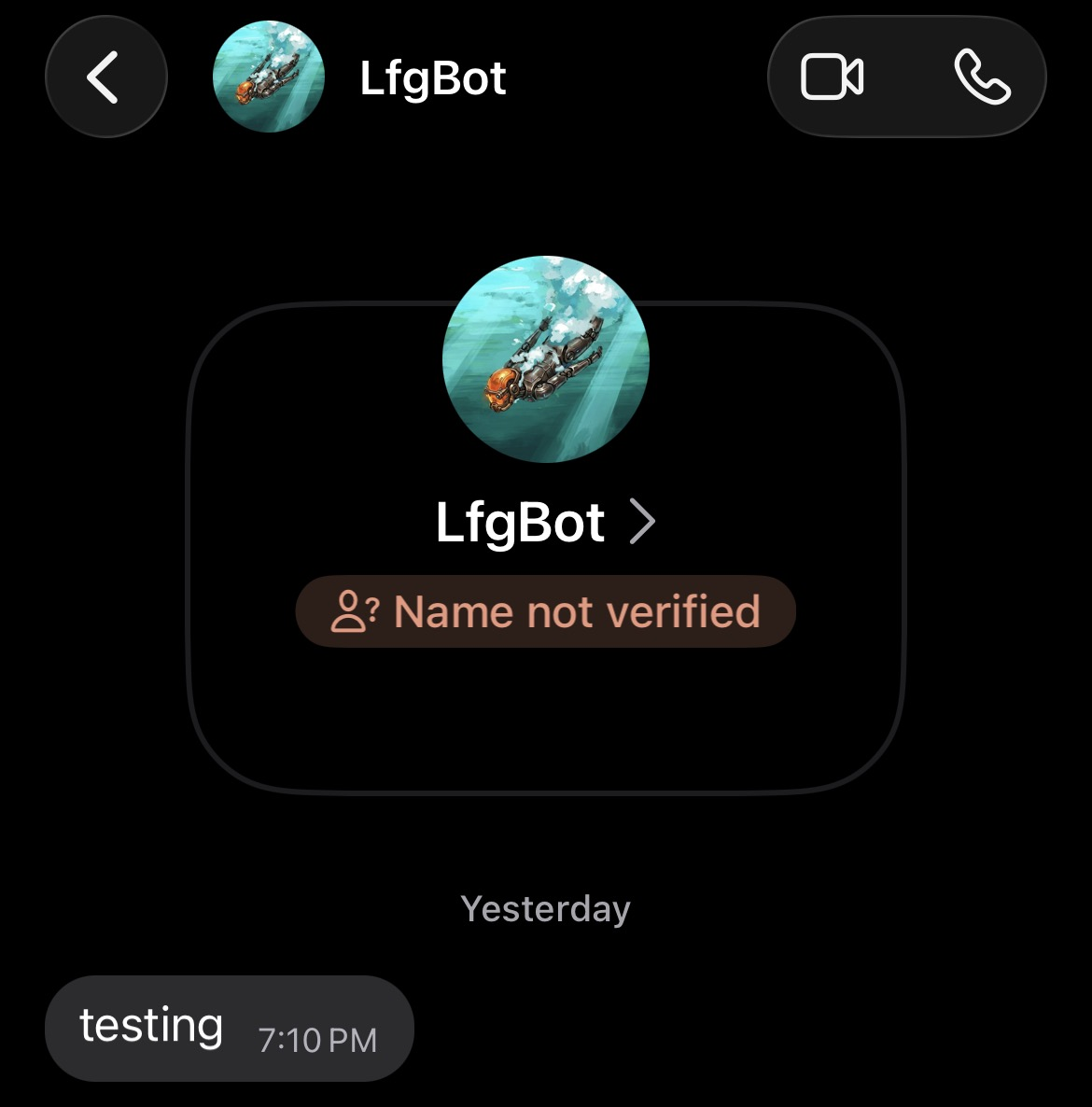
With my newly registered bot I sent myself a test message:

1
signal-cli -u +[bot number] send -m "testing" +[your number]

Behold! He lives!

Signal Bot test message

From here, I just had to add the bot to my group chat, and grab the b64 encoded ID:

1
2
# Get ID after adding bot to group via signal GUI
signal-cli -u +[bot number] listGroups

🖥 Notification Script

Now that the Signal CLI and bot account were setup, I whipped up a quick script to use mcstatus to check the player count of the local server, and save it to a state file. It’s designed to be run periodically with a cronjob, so every time the script is run it will compare the player count to the state file.

1
2
3
4
5
6
7
8
9
10
11
12
13
14
15
16
17
18
19
20
21
22
23
24
25
26
27
28
29
30
31
32
33
34
35
36
37
38
39
40
41
42
43
44
45
46
47
48
49
50
51
52
53
54
55
56
57
58
59
60
61
62
63
64
65
66
67
68
69
70
71
72
73
74
75
76
77
78
79
80
81
82
83
84
85
86
87
88
89
90
91
#!/usr/bin/env python3
"""
Checks a Minecraft server's player count via a mcstatus and sends a Signal
group message when the server goes from empty (0 players) to occupied
(1+ players). Designed to be run periodically via cron.

Requirements:
venv with mcstatus (pip install mcstatus)
signal-cli installed and registered (https://github.com/AsamK/signal-cli)
signal-cli account must already be a member of the target group

Cron (every 1 minute):
* * * * * /path/to/venv/bin/python3 /path/to/mc-signal-notify.py >> /path/to/mc-signal-notify.log 2>&1

Find your group ID with:
signal-cli -u "+1XXXXXXXXXX" listGroups
"""

import subprocess
import sys
from pathlib import Path

from mcstatus import JavaServer

# ---------------------------------------------------------------------------
# CONFIG
# ---------------------------------------------------------------------------
SERVER_HOST = "localhost" # your server's IP/domain
SERVER_PORT = 25565 # your server's port
SIGNAL_NUMBER = "" # the number signal-cli is registered as
SIGNAL_GROUP_ID = "" # ID of the signal group chat to message
NOTIFY_ON_EMPTY = True # also message when server goes back to 0 players
SERVER_NAME = "" # Your minecraft server name; used in message
STATE_FILE = Path("/tmp/mc-signal-notify.state") # tracks last known player count
# ---------------------------------------------------------------------------


def get_player_count():
server = JavaServer.lookup(f"{SERVER_HOST}:{SERVER_PORT}")
status = server.status()
online = status.players.online
names = [p.name for p in (status.players.sample or [])]
return online, names


def read_last_count():
if STATE_FILE.exists():
try:
return int(STATE_FILE.read_text().strip())
except ValueError:
return 0
return 0


def write_last_count(count):
STATE_FILE.write_text(str(count))


def send_signal(message):
subprocess.run(
[
"signal-cli",
"-u", SIGNAL_NUMBER,
"send",
"-g", SIGNAL_GROUP_ID,
"-m", message,
],
check=True,
)


def main():
try:
current_count, names = get_player_count()
except Exception as e:
print(f"Could not reach server: {e}", file=sys.stderr)
return

last_count = read_last_count()

if last_count == 0 and current_count >= 1:
who = f" ({', '.join(names)})" if names else ""
send_signal(f"🟢 {SERVER_NAME} just went from empty to online{who}!")
elif NOTIFY_ON_EMPTY and last_count >= 1 and current_count == 0:
send_signal(f"⚪ {SERVER_NAME} is empty now.")

write_last_count(current_count)


if __name__ == "__main__":
main()

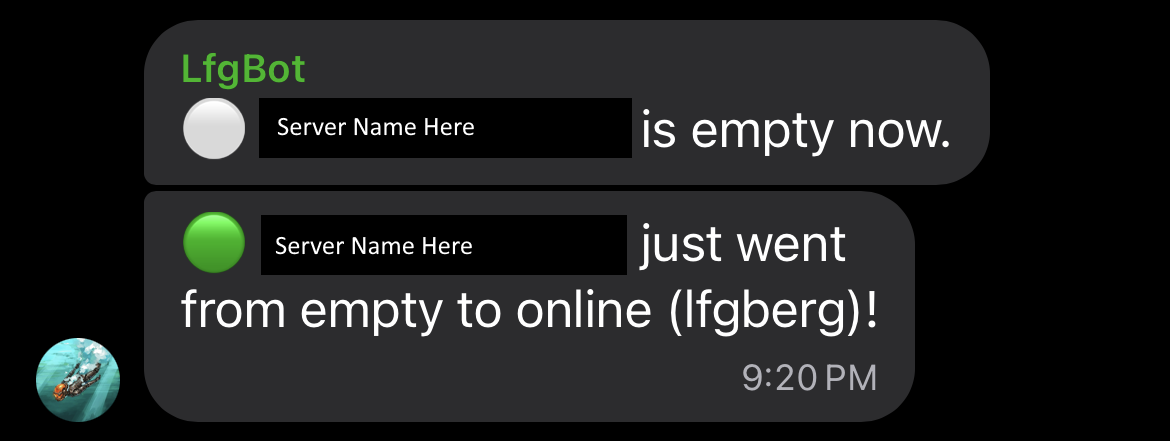
If the player count goes from 0 to x > 0, it’ll fire off a notification to the Signal group chat to let everyone know who’s gone online.

Final notification

You can also find the script in this Gist. Setup just requires the signal-cli, a venv with mcstatus, and a cronjob to run on the interval of your choosing.

  • Title: Getting Crafty: Minecraft Server Signal Bot

  • Author: Liam Geyer
  • Created at : 2026-08-04 00:00:00
  • Updated at : 2026-08-05 10:21:12
  • Link: https://lfgberg.org/2026/08/04/development/getting-crafty/
  • License: This work is licensed under CC BY-NC-SA 4.0.
On this page
Getting Crafty: Minecraft Server Signal Bot